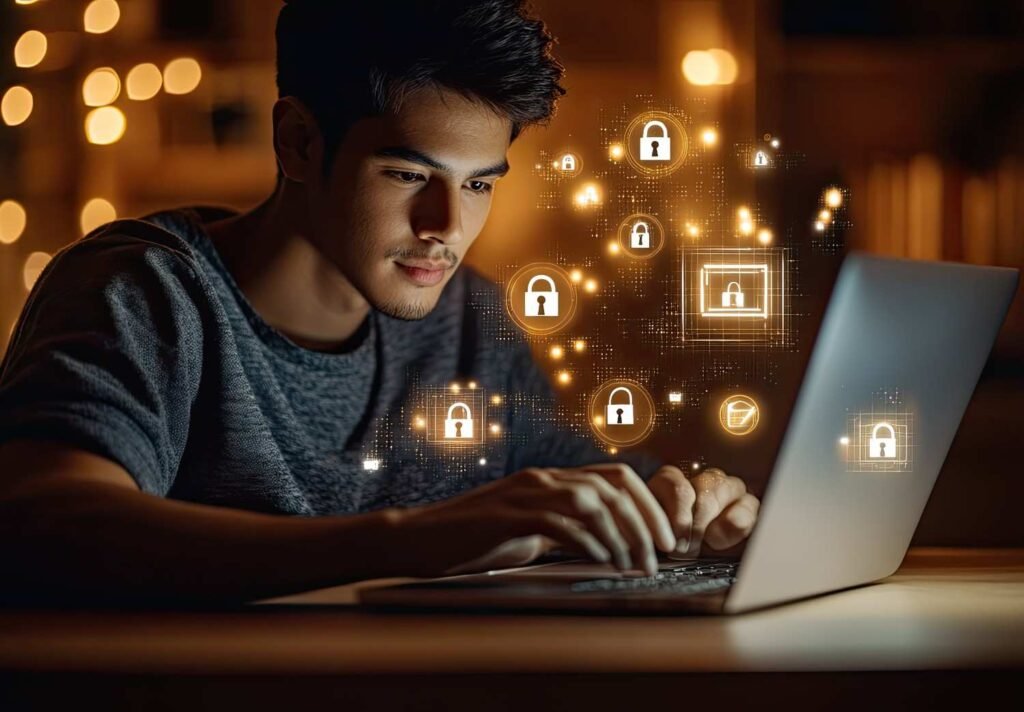
Most people don’t realize how exposed they are online until something feels off—a strange login alert, a suspicious email, or a site that just doesn’t look right. That quiet moment of doubt is exactly where I decided to change how I browse.
Instead of relying on luck, I started applying secure browsing tips that actually protect my data without slowing me down. What I discovered is that staying safe online isn’t complicated—it’s about making smarter choices every time you open your browser. And once these habits click, everything starts working in your favor.
What Are The Most Effective Secure Browsing Tips Today?
From my experience, the most effective approach is layering protection. I don’t rely on just one tool or habit—I combine multiple strategies.
First, I always check for HTTPS (HyperText Transfer Protocol Secure) before entering personal information. Secure connections encrypt my data and prevent interception. I also keep my browser updated because most updates fix security vulnerabilities that hackers actively exploit.
These small actions take seconds but dramatically reduce risk.
How Do I Harden My Browser Settings For Maximum Security?
This is where I saw the biggest improvement. Modern browsers come with powerful features, but most people never enable them.
I turned on HTTPS-Only Mode, which forces my browser to use encrypted connections or warn me before loading unsafe sites. In browsers like Google Chrome and Mozilla Firefox, this setting is easy to activate.
I also enabled Enhanced Safe Browsing, which checks websites and downloads in real time. It acts like a second layer of defense against phishing and malware.
Another important step I took was restricting permissions. I block access to my camera, microphone, location, and notifications unless absolutely necessary. This prevents silent data collection.
Finally, I regularly review my browser extensions. I only keep trusted ones and remove anything I don’t actively use.
Which Privacy Tools Help Me Stay Anonymous And Secure?
Tools make a huge difference when used correctly. I don’t rely on my browser alone anymore.
I use an ad blocker like uBlock Origin to stop malicious ads and trackers from loading. This protects me from malvertising, which is more common than most people realize.
When I’m on public Wi-Fi, I always turn on a VPN. It encrypts my data so no one on the same network can spy on my activity. This is especially important in places like airports, cafes, and hotels across the US.
I also enabled secure DNS using services like Cloudflare 1.1.1.1. This prevents my internet provider from tracking the websites I visit and adds another layer of privacy.
How Do I Manage Passwords And Accounts Safely?
Passwords used to be my biggest weakness. Now, they’re one of my strongest defenses.
I stopped saving passwords in my browser and switched to a dedicated manager like Bitwarden. It generates strong, unique passwords for every account and stores them securely.
I also enable multi-factor authentication (MFA) on all important accounts. Even if someone gets my password, they can’t access my account without the second verification step.
This combination alone has significantly improved my account security.
How Do I Identify Phishing Links And Fake Websites?
Phishing attacks are getting smarter, but I’ve trained myself to spot the signs.
I always double-check URLs for subtle misspellings or suspicious domains. For example, a fake site might look like a legitimate one but include extra words or characters.
Before clicking any link, I hover over it to preview the destination. If something feels off, I don’t click. I also avoid emails that create urgency or ask for sensitive information.
Slowing down has saved me more than any tool.
Why Is Download And Extension Safety So Important?
Downloads are one of the easiest ways malware enters a system.
I only download files from trusted websites and avoid random “Download Now” buttons. If I’m unsure, I scan the file before opening it.
Extensions are another hidden risk. Even legitimate ones can become compromised over time. That’s why I periodically remove unused extensions and stick to official browser stores.
Which Browsers Are Best For Secure And Private Browsing?
If security is your priority, choosing the right browser matters.
Here’s how I look at the top options:
- Brave: Best for everyday privacy with built-in ad and tracker blocking
- Mozilla Firefox: Great for customization and cookie protection
- Tor Browser: Ideal for maximum anonymity with onion routing
- DuckDuckGo: Simple mobile privacy with easy data clearing
I personally use a combination depending on my needs.
How Do I Stay Safe On Public Wi-Fi In The US?
Public Wi-Fi is everywhere in the US, but it’s also one of the biggest risks.
I never access banking or sensitive accounts without a VPN (virtual private network). I also turn off auto-connect so my device doesn’t join unknown networks automatically.
Another habit I follow is logging out of accounts after use. It adds a small step but prevents unauthorized access if something goes wrong.
How To Build A Simple Daily Secure Browsing Routine
I keep my routine simple so I actually stick to it.
First, I check for updates on my browser and device. Then I make sure my VPN is active if I’m outside my home network.
Before entering sensitive information, I verify the website is secure. Throughout the day, I stay cautious with links, downloads, and login requests.
At the end of the day, I clear unnecessary browsing data and log out of unused accounts. This routine keeps everything under control without adding stress.
Frequently Asked Questions About Secure Browsing Tips
1. What are the most important secure browsing tips for beginners?
Start with HTTPS websites, strong passwords, MFA, and avoiding suspicious links. These basics cover most online threats.
2. Is using a VPN necessary in the US?
It’s highly recommended for public Wi-Fi. While home networks are safer, VPNs add an extra layer of privacy.
3. How can I tell if a website is safe?
Look for HTTPS, check the domain carefully, and avoid sites with unusual design or urgent prompts.
4. Should I trust browser password saving?
No. Dedicated password managers are safer and more secure.
Smarter Way To Stay Safe Online
What changed everything for me was realizing that online security isn’t about one tool—it’s about consistency. Once I combined browser settings, privacy tools, and mindful habits, everything felt more controlled, much like how reliable office tech gadgets streamline productivity and workflow.
Following these secure browsing tips daily has made my online life safer without making it complicated. And once you build these habits, staying protected becomes automatic.